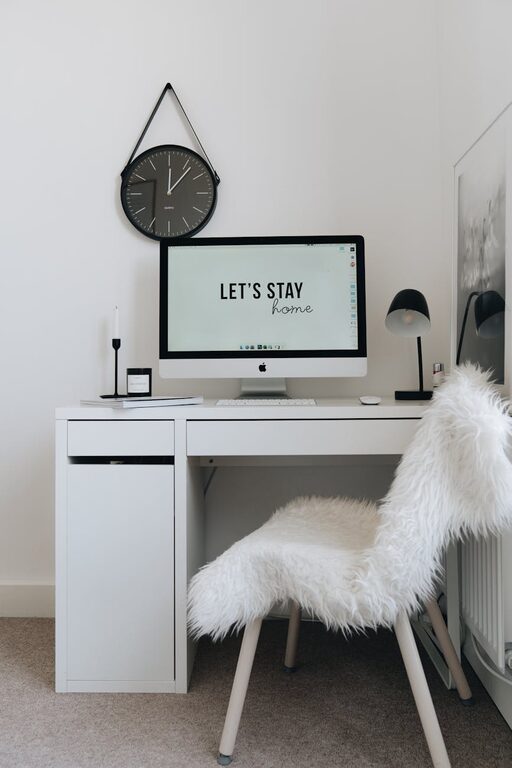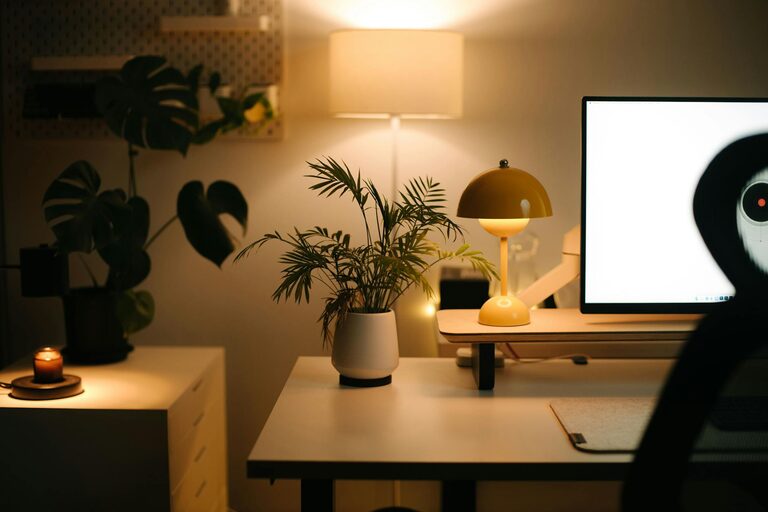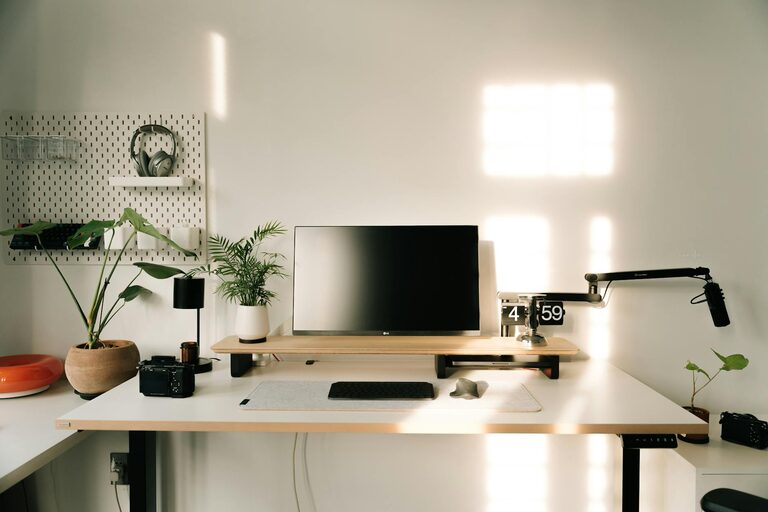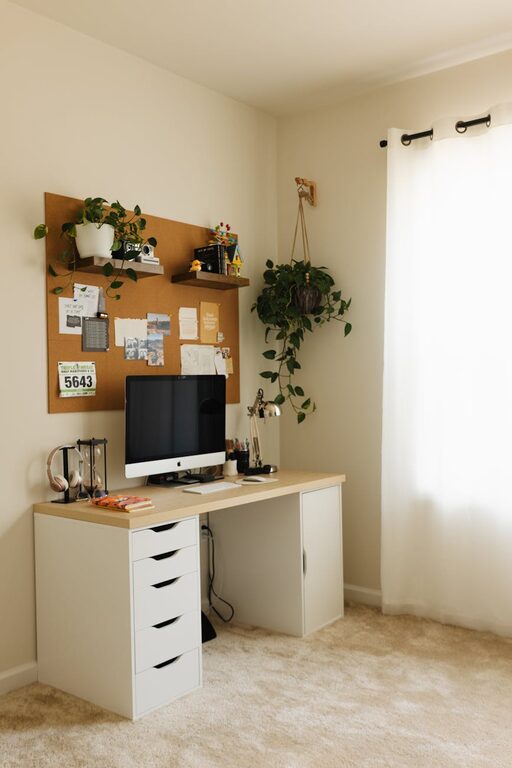
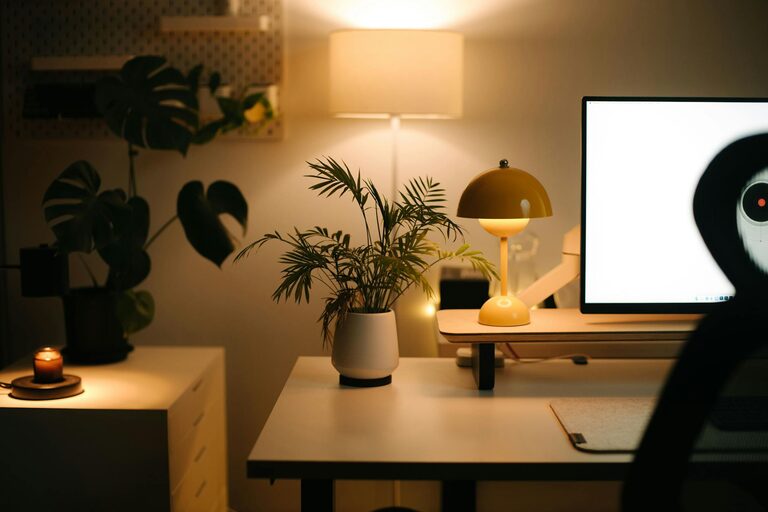
Creating a home office that is both cozy and functional is essential for anyone working from home or needing a quiet space to focus. A well-designed workspace can boost productivity, enhance comfort, and contribute to a better work-life balance. In this post, we’ll explore key tips to help you set up an ideal home office tailored to your needs.
1. Choose the Right Location
Finding the right spot for your home office is the foundation of a successful workspace.
– Quiet and Private: Select a space away from high-traffic areas to minimize distractions.
– Natural Light: A spot near a window helps improve mood and productivity.
– Space Size: Ensure there’s enough room for your desk, chair, and any storage you need without feeling cramped.
2. Invest in Ergonomic Furniture
Comfort is crucial for long working hours.
– Ergonomic Chair: Look for adjustable height, lumbar support, and good cushioning.
– Desk: Choose a surface large enough for your computer, notebook, and any other tools.
– Standing Desks: Consider a sit-stand desk for flexibility and better posture.
3. Optimize Lighting
Good lighting reduces eye strain and creates a welcoming atmosphere.
– Layer Lighting: Use a mix of overhead lights, desk lamps, and natural daylight.
– Adjustable Desk Lamps: Allow you to direct light where you need it most.
– Warm Bulbs: Soft, warm light helps create a cozy and inviting feel.
4. Keep It Organized
An uncluttered space supports focus and efficiency.
– Storage Solutions: Use shelves, filing cabinets, or storage bins to keep items tidy.
– Desk Organizers: Pen holders, cable management tools, and trays help keep your essentials in order.
– Daily Clean-Up: Spend a few minutes at the end of each day tidying your workspace.
5. Personalize Your Space
Adding personal touches makes your office feel inviting.
– Artwork and Photos: Choose images that inspire or calm you.
– Plants: Small indoor plants can improve air quality and add a natural element.
– Textiles: A soft rug or cushions add warmth and comfort.
6. Minimize Noise
A quiet environment supports concentration.
– Noise-Cancelling Headphones: Useful if you can’t control ambient noise.
– Soft Furnishings: Curtains, rugs, and cushions absorb sound.
– White Noise Machines: Can mask distracting sounds effectively.
7. Technology and Connectivity
Ensure your tech setup supports your work seamlessly.
– Reliable Internet: Invest in a high-speed connection.
– Proper Equipment: Use a good quality monitor, keyboard, and mouse for comfort.
– Cable Management: Keep cords tidy to prevent clutter and accidents.
8. Consider Temperature and Ventilation
A comfortable climate helps maintain focus.
– Room Temperature: Adjust heating or cooling as needed.
– Ventilation: Fresh air improves alertness and overall well-being.
– Fans or Air Purifiers: Can enhance airflow and comfort.
9. Establish Boundaries
Creating a home office dedicated to work helps separate personal life.
– Defined Space: Use room dividers or specific furniture placement.
– Work Hours: Stick to regular start and finish times.
– Communication: Inform others in your household about your work schedule.
Conclusion
Setting up a cozy and functional home office is a balance between comfort and efficiency. By selecting the right location, investing in ergonomic furniture, optimizing lighting, and keeping your space organized, you can create a welcoming environment that supports productivity. Personal touches and practical considerations like noise control and technology will further enhance your home workspace. With these tips, your home office can become a place you look forward to working in every day.