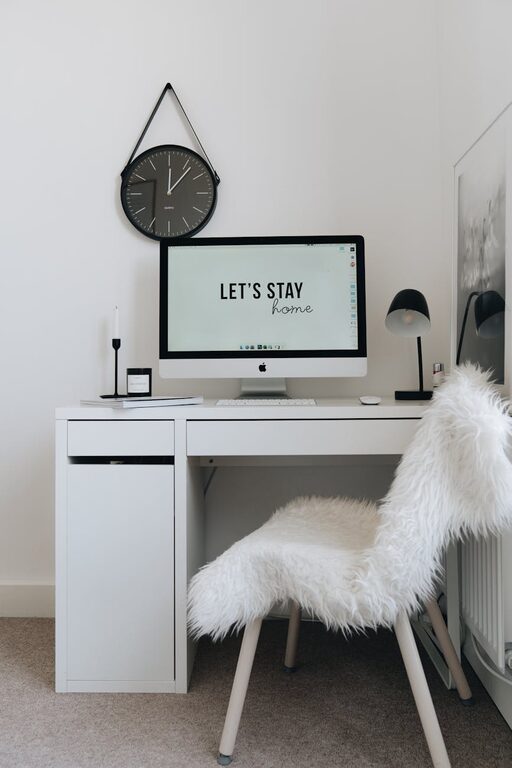
Creating a home office that feels both cozy and functional is an excellent way to boost your productivity while enjoying a pleasant work environment. Whether you have a dedicated room or just a small corner to spare, designing a workspace that suits your needs can make a significant difference in your daily routine. In this post, we’ll explore practical tips to help you craft a home office that’s comfortable, organized, and efficient.
Choose the Right Location
Selecting a suitable spot for your home office is the first step. Ideally, you want an area with minimal distractions and enough space for your work essentials.
– Natural Light: Position your desk near a window if possible. Natural light can improve mood and reduce eye strain.
– Quiet Environment: Pick a quiet corner away from household noise or high-traffic areas.
– Easy Access: If you share your home with others, choose a location where you won’t be disturbed frequently.
Invest in Comfortable and Supportive Furniture
Your furniture choices affect both comfort and productivity. Consider these points to create a supportive setup:
– Ergonomic Chair: A good office chair that supports your back can prevent discomfort during long work hours.
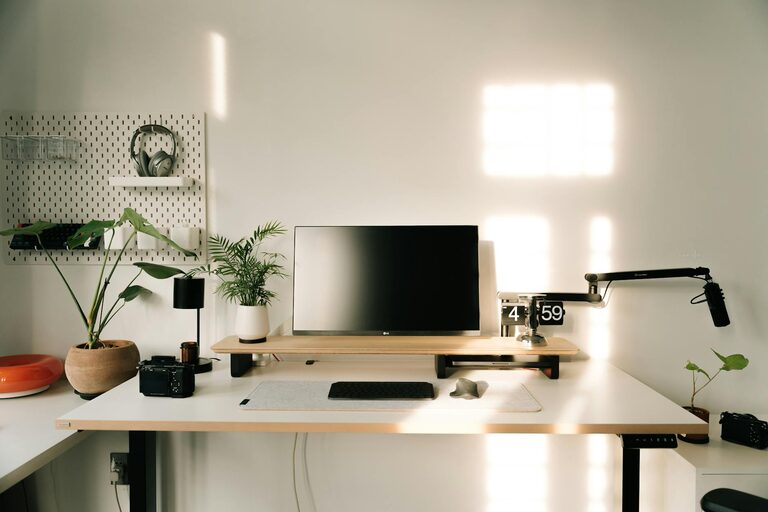
– Spacious Desk: Opt for a desk large enough to hold your computer, documents, and other tools without overcrowding.
– Adjustable Furniture: If possible, select adjustable chairs or desks, such as standing desks, to vary your posture throughout the day.
Optimize Lighting
Proper lighting is crucial for reducing eye strain and maintaining focus.
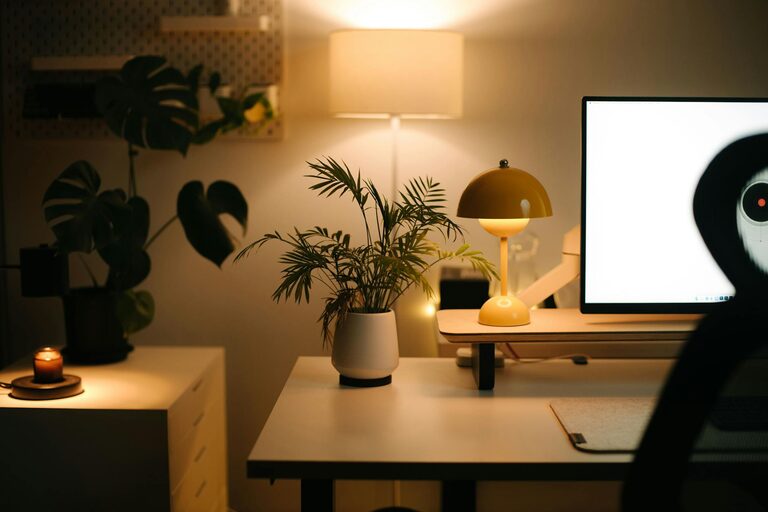
– Layered Lighting: Use a combination of natural light, overhead lighting, and task lighting to create a well-lit environment.
– Task Lamps: A desk lamp can provide focused light for reading or detailed work.
– Avoid Glare: Position screens and lights to prevent glare that can cause discomfort.
Organize Efficiently
Clutter can hinder productivity, so maintaining an organized space is key.
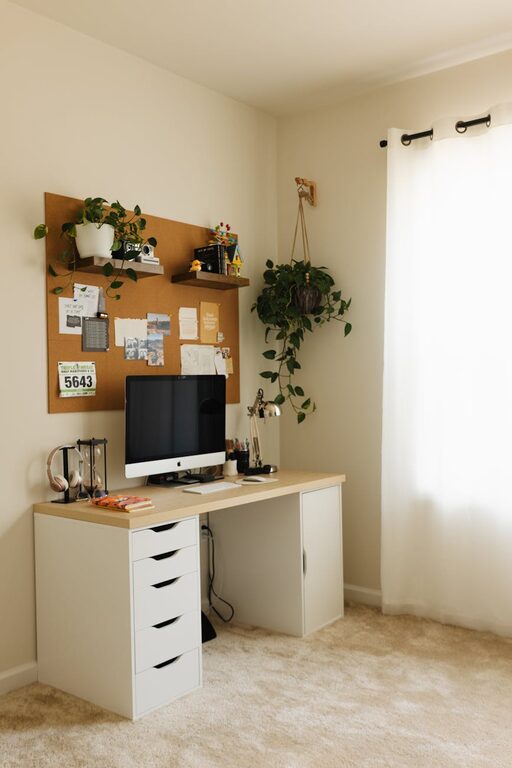
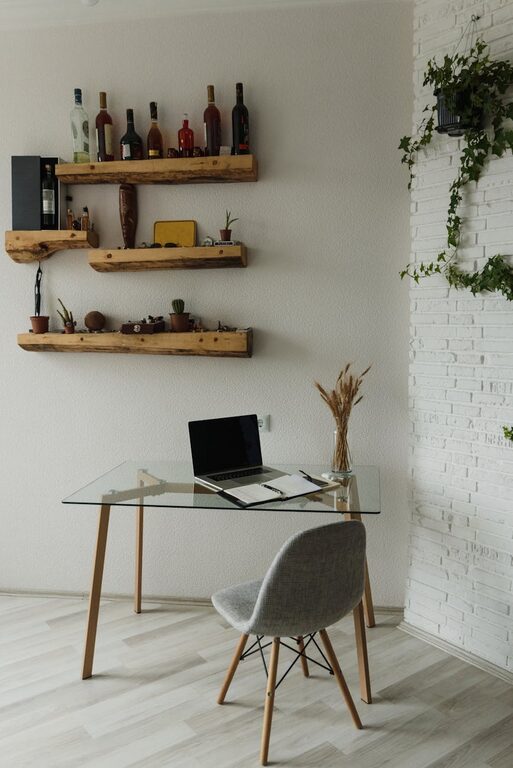
– Storage Solutions: Use shelves, drawers, and organizers to keep supplies tidy and accessible.
– Cable Management: Use clips or sleeves to manage cables and avoid tangling.
– Declutter Regularly: Schedule time to clear unnecessary items and keep your workspace clean.
Add Personal Touches
To make your office feel inviting, include elements that reflect your personality and create a cozy atmosphere.
– Plants: Indoor plants can improve air quality and add a refreshing touch.
– Artwork and Decor: Hang inspiring art or photos that boost your mood.
– Comfort Items: Consider a soft rug, cushions, or a cozy throw to add warmth.
Incorporate Technology Wisely
Technology is essential but should be integrated thoughtfully.
– Reliable Equipment: Invest in a good-quality computer, headset, and other necessary devices.
– Wireless Options: Wireless keyboards or mice can reduce clutter.
– Backup Power: A surge protector or battery backup can safeguard your devices during outages.
Establish Boundaries
Maintaining work-life balance is easier with clear boundaries.
– Defined Workspace: Use room dividers or screens if your office is part of a larger room.
– Routine: Set specific work hours and try to stick to them.
– Break Areas: Have a separate spot for breaks, away from your desk, to refresh your mind.
Maintain Good Air Quality and Temperature
Comfort isn’t only about furniture and lighting; it’s also about air and temperature.
– Ventilation: Ensure your workspace has good airflow or use an air purifier.
– Temperature Control: Use fans, heaters, or air conditioners to keep the area comfortable throughout the year.
Conclusion
Designing a cozy and functional home office is about balancing comfort with efficiency. By carefully choosing the location, investing in supportive furniture, optimizing lighting, and organizing your space, you can create an environment that supports both your work and well-being. Personal touches and attention to technology and boundaries will further enhance your home office experience, making remote work more enjoyable and productive. Start with these tips, and adapt your workspace as needed to best suit your work style and preferences.